A streamlined companion for Huawei laptops
HUAWEI PC Manager is a system utility designed to help users manage and maintain compatible Huawei laptops in a more organized way. It brings together common device management tasks into a single interface, reducing the need to search through multiple Windows settings or separate tools. The app focuses on convenience rather than deep customization, aiming to support everyday maintenance, connectivity, and performance monitoring in a clear and approachable layout.
Top Recommended Alternative

Centralized system tools and maintenance
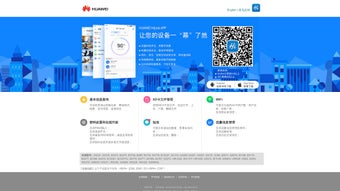
HUAWEI PC Manager acts as a control hub for essential system functions, including driver management, basic diagnostics, and hardware monitoring. HUAWEI PC Manager allows users to check for official driver updates and apply them from one place, which helps reduce compatibility issues on supported devices. HUAWEI PC Manager also provides access to system status information such as storage usage and component health, offering a simplified overview rather than advanced technical controls.
Device connectivity and ecosystem features
HUAWEI PC Manager places strong emphasis on cross-device interaction within Huawei’s ecosystem. HUAWEI PC Manager supports features like wireless file sharing and screen collaboration with compatible Huawei smartphones and tablets, allowing content to move more fluidly between devices. HUAWEI PC Manager’s connectivity features depend on hardware compatibility and configuration, meaning availability and performance can vary between models. These tools are designed for convenience rather than replacing dedicated file-transfer or remote-access software.
Final thoughts
HUAWEI PC Manager works best as a lightweight companion app for users already invested in Huawei laptops and devices. It does not attempt to replace full system utilities or advanced maintenance tools, but instead focuses on making common tasks easier to access and manage. HUAWEI PC Manager feels most useful when treated as a centralized dashboard for routine upkeep and device interaction, especially for users who prefer a guided, ecosystem-focused experience.